
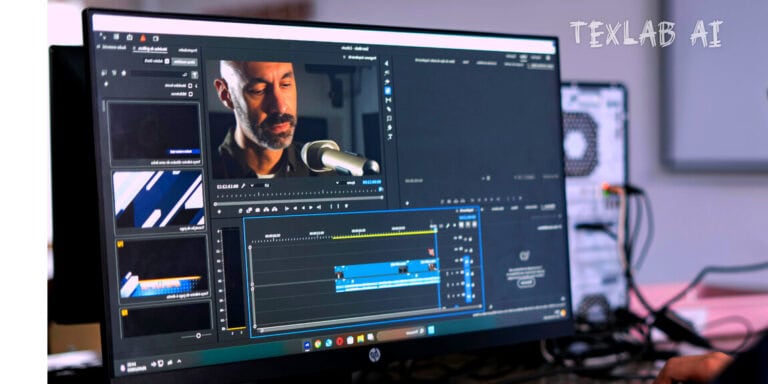
In the current digital era creating quality video content is not just a medium of entertainment but it has turned into a highly attractive full time profession. Whether the content is Facebook reels cinematic vlogs or professional short films a video gets its life only through perfect editing. However for many new creators stepping into PC or desktop editing from mobile feels a bit scary. Because many professional level softwares require high performance expensive hardware and knowledge of complex technical settings. To make this process easy one should choose an editor that gives a user friendly or simple interface along with powerful features. For your convenience in today’s blog we will present the details of the top 5 video editing softwares for PC and laptop so that you can easily choose the best tool for your work.
Top Video Editing Software for Desktop and Laptop
For professional level content creation and client work working on a big PC screen is much more convenient than a mobile screen. However for this it is necessary to choose the right software. The top two softwares in the list are:
1. Adobe Premiere Pro
Adobe Premiere Pro is the final word in the professional video editing industry. Cinema makers and top content creators around the world use this software blindly.
- Main attraction: Its unlimited multi track timeline powerful Lumetri Color panel and the facility to work directly with After Effects take editing to another level.
- Plus point: It supports files of any resolution or format and there is a huge marketplace of third party plugins to increase work speed.
- Minus point: This is a premium or paid software and having a quite high configuration PC is mandatory to use it.
2. CapCut for PC
After huge popularity on mobile the PC version of CapCut has come and made the work of editors much easier. The biggest advantage is that it runs quite smoothly even on relatively low configuration or low end computers.
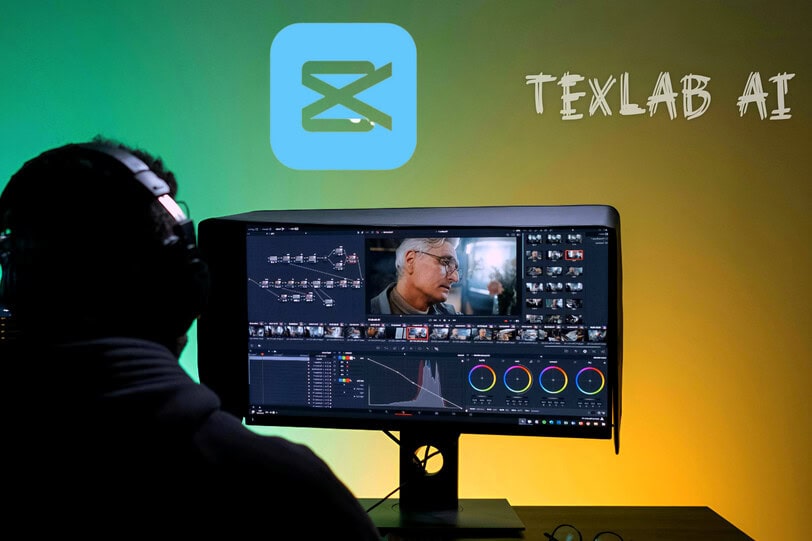
- What you will get: All the popular AI tools stickers and transitions of mobile can now be used more perfectly on PC with a mouse and keyboard.
- Good side: Its video rendering speed is extraordinary and using it is much much easier than Premiere Pro.
- Bad side: There are some limitations in this software for very complex editing or 3D special effects work.
3. DaVinci Resolve
If you want to do Hollywood style cinematic color grading there is no alternative to DaVinci. Its biggest advantage is that its free version is itself very powerful.
- What you will get: The world’s best color cutting wheels Fairlight engine for perfect audio and Fusion visual effects (VFX).
- Good side: It is possible to do almost 95% professional work effortlessly with its free version. Besides if you buy it once you get lifetime free updates and you do not have to pay any monthly subscription fee.
- Bad side: Since the interface is a bit complex it takes a little time for beginners to learn it. Along with this having a good quality dedicated graphics card in the computer is mandatory to run it smoothly.
4. Filmora
Filmora is an extremely user friendly software for those who are completely new to desktop editing.
- Main attraction: In built motion graphics readymade text templates and screen recorder.
- Plus point: Due to its drag and drop feature it is possible to create attractive videos in a very short time. This is an ideal tool for new YouTubers to start content making.
- Minus point: A large watermark remains on the video in the free trial version. If you do not remove this watermark the videos cannot be used for professional work or client projects.
5. Final Cut Pro (FCP)
Final Cut Pro is a dedicated software only for Mac users.
- Main attraction: Signature magnetic timeline and fastest 4K or 8K rendering performance.
- Plus point: This is a one time purchase with lifetime free updates and it reduces laptop battery
- consumption a lot. Its fast exporting speed saves a lot of valuable work time for editors.
Minus point: It cannot be used on Windows operating system and its initial price is quite high. As a result regular Windows PC users are deprived of taking advantage of this powerful software.

Faysal Ahmed is the founder of TexLab AI and regularly writes about AI tools, technology, freelancing, and digital productivity. He has hands-on experience testing AI applications and reviewing online tools.