
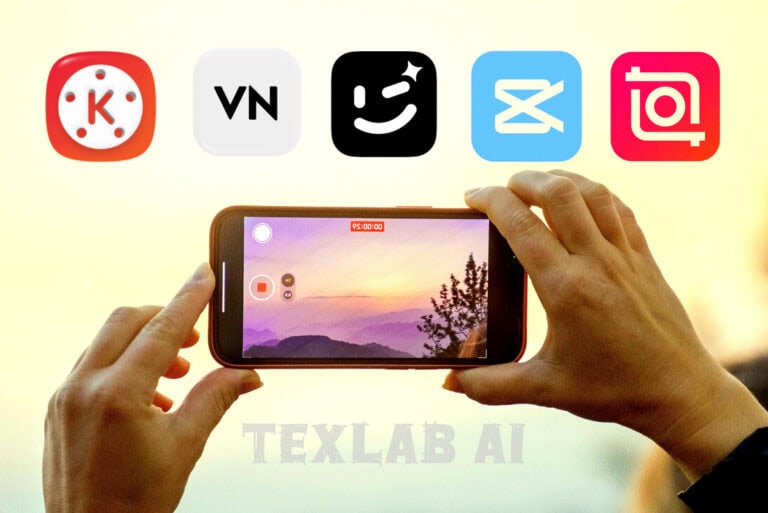
In the current digital era video making is not just a hobby it is now a full time career. Whether you want to create Facebook reels YouTube vlogs or professional short films the real magic of making a simple video extraordinary is hidden at the editing table. However new creators have a big question in mind “which tool should I start with?” Although there are hundreds of options in the market it is quite difficult to find a mobile editing app that is perfect light and full of useful features for yourself. And so in today’s blog we will discuss the top 5 video editing apps for mobile so that you can choose your favorite tool without any hassle.
Top 5 Video Editing Apps for Mobile Users
Today’s smartphone cameras are indeed very powerful. So without spending money on a heavy computer it is now very easy to make professional quality videos using just a mobile phone. Let us look at the details of the top 5 mobile apps of this time:
1. CapCut
CapCut is now the number one choice among social media content creators. Especially for those who make Facebook reels TikTok or YouTube shorts this app is an excellent solution.
- What you will get: In this you will get excellent AI effects the facility to automatically create captions or subtitles and a smart tool to remove backgrounds.
- Good side: All trending music and sound effects are available readymade inside the app.
- Bad side: To use it fully in our country or some regions sometimes you have to connect a VPN.
2. VN Video Editor
For those who want to do perfect editing without any extra cost or watermark hassle VN should be their first choice.
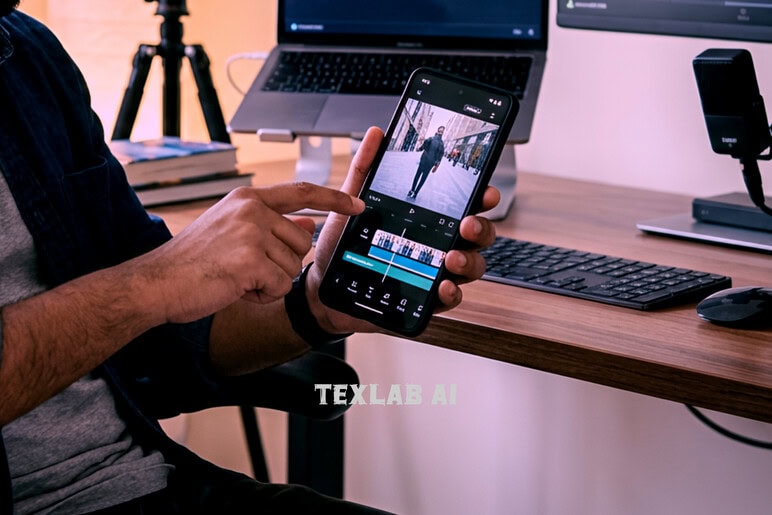
- Main attraction: Its timeline is quite professional. Video audio and text layers can be controlled separately and custom color grading is also possible.
- Plus point: Despite using it for free no watermark appears on the video and you do not have to see annoying ads while editing.
- Minus point: While working with extra high resolution files like heavy 4K files some lag can be seen in performance.
3. KineMaster
KineMaster is a very old and familiar name in the world of mobile editing. Since you have to work by keeping the mobile in landscape mode using it gives a feel somewhat like a PC.
- What you will get: It has a powerful Chroma Key or green screen removal facility and advanced blending modes.
- Good side: For the convenience of professional work a lot of readymade presets can be downloaded and used from their own store.
- Bad side: A very large watermark remains in its free version and you have to buy a premium subscription with money to remove it.
4. InShot
There are very few better options than InShot for quick and easy editing without any complexity. It is extremely user friendly for beginners.
- Main attraction: The video size or frame ratio can be changed very easily according to the social media platform.
- Plus point: No extra hassle is needed for learning and photo editing can also be done in this all in one app.
- Minus point: Working with heavy multi layer or advanced color correction is not possible with this.
5. Wink
Wink is currently the number one choice for content creators to increase the visual quality of video or for face retouching.
- What you will get: Excellent AI video restoration features with the help of which low quality or blurry videos can be converted to 4K or HD quality.
- Good side: Its makeup retouch body shaping and AI frame rate boosting features work really great.
Bad side: This is not a main video cutting or editing app it is basically a great supporting tool to increase the beauty and quality of the video.

Faysal Ahmed is the founder of TexLab AI and regularly writes about AI tools, technology, freelancing, and digital productivity. He has hands-on experience testing AI applications and reviewing online tools.